
Creating Tabs in InDesign
- “Type” > “Tabs”
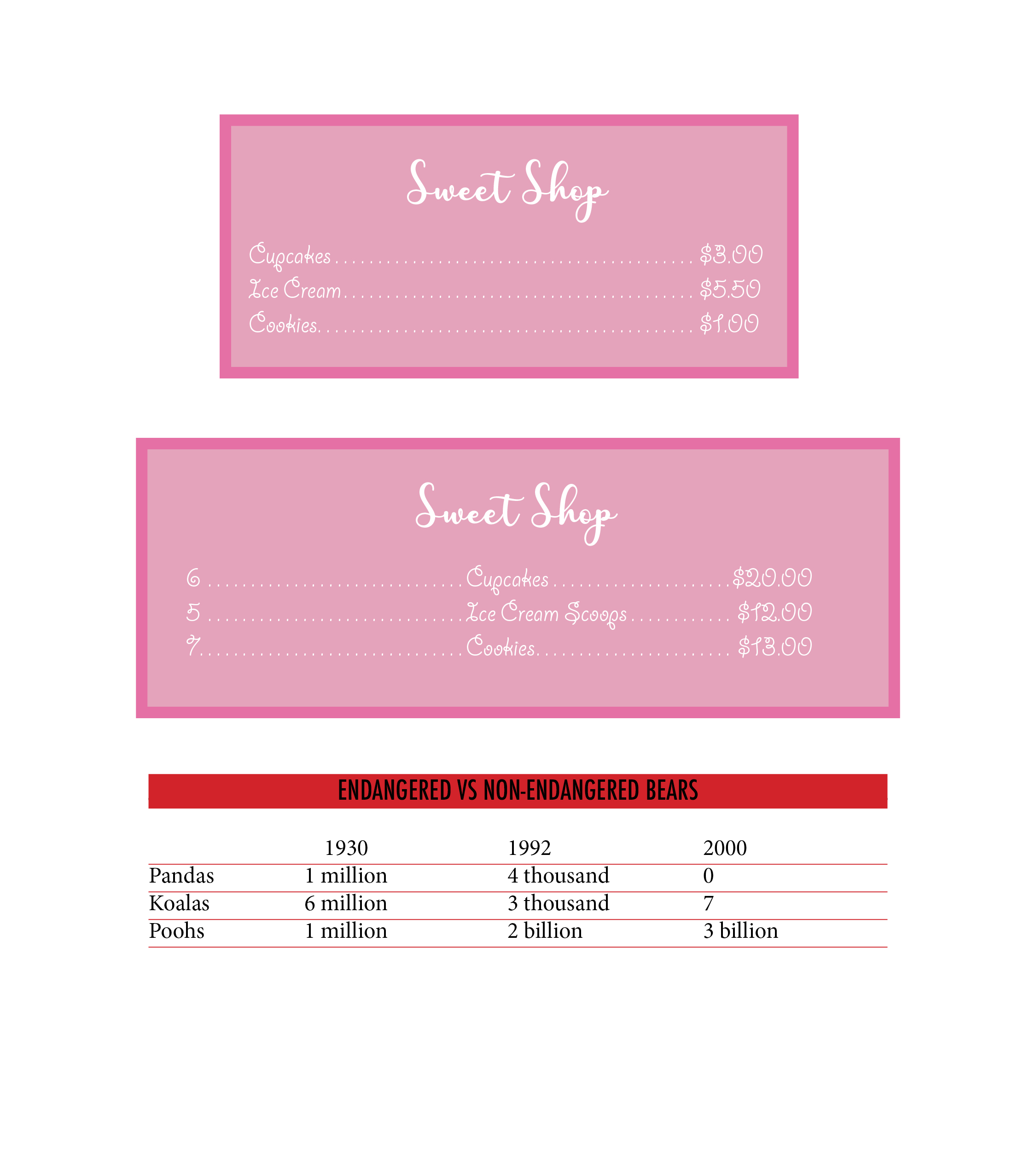
- Line up Tab bar with the text, add markers (can either be left, right, or center justified) where you want the lines of text to align.
- Add a leader (dotted line) in between tabs, as if creating a menu.
- “Object” > ” Text frame options” > add more space on right, left, and top.
- To make the red box and lines underneath the text, go to “Paragraph Styles” > “new” > “Paragraph Rules” > “below” > then change the color and adjust the offset of the box to align with the text.
- Do the same for the lines, except just add a weight of .5 and adjust the offset so they are completely below the text.
 Computer Graphics: Molly Brennan