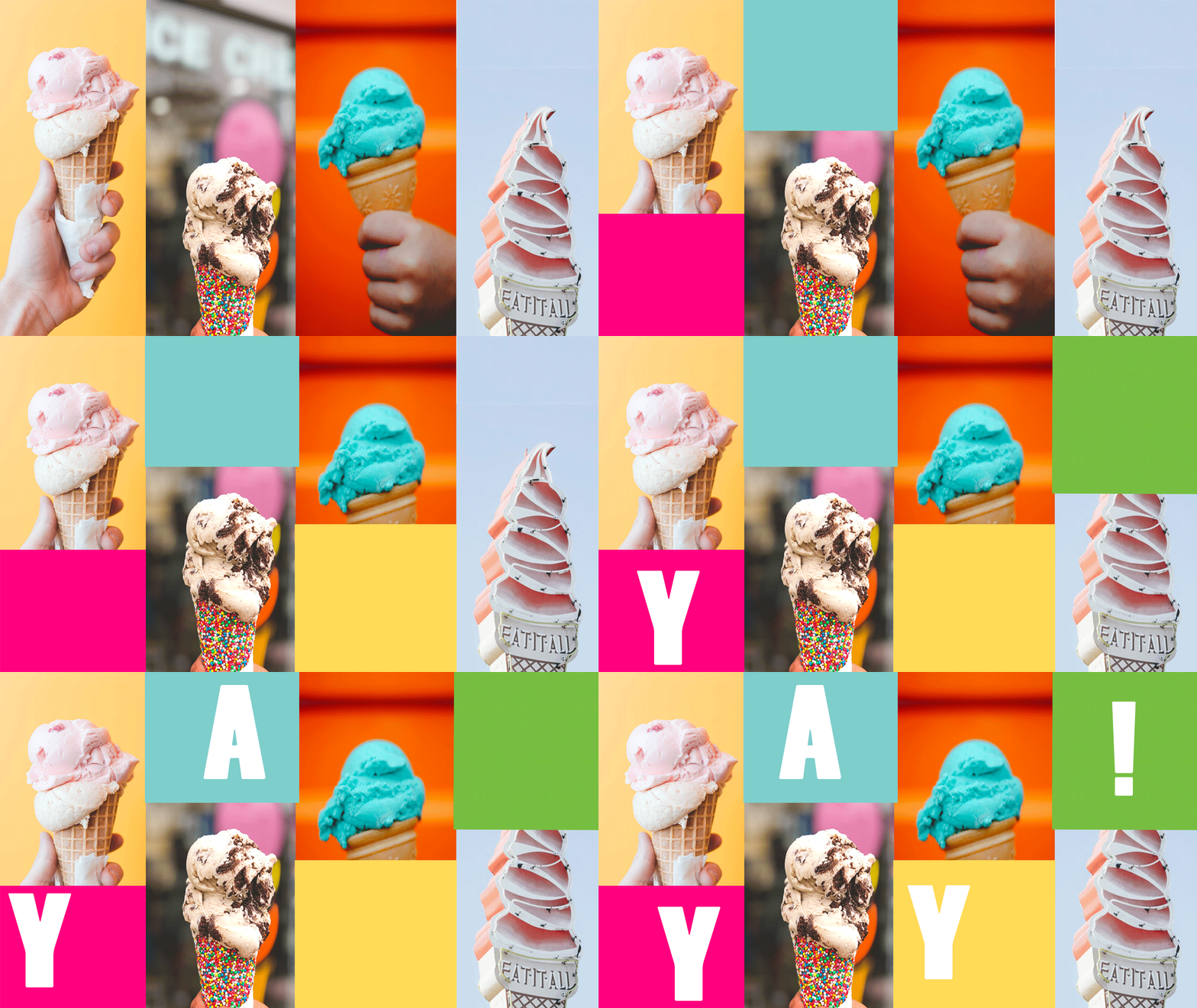
Making a GIF on Photoshop
- First, in order to make a GIF, the timeline bar has to be shown. If it is not, open it up in the Window panel.
- Make sure each image is on a separate layer, because images will just be hidden and shown to create the GIF effect.
- Add frames in the timeline panel to create the moving effect.
- You can start by duplicating the original frame many times, then just un-hiding layers in the following frames.
- The timing of each frame can be adjusted for viewer legibility.
- Type can be added to each layer as well!
Published

 Computer Graphics: Molly Brennan