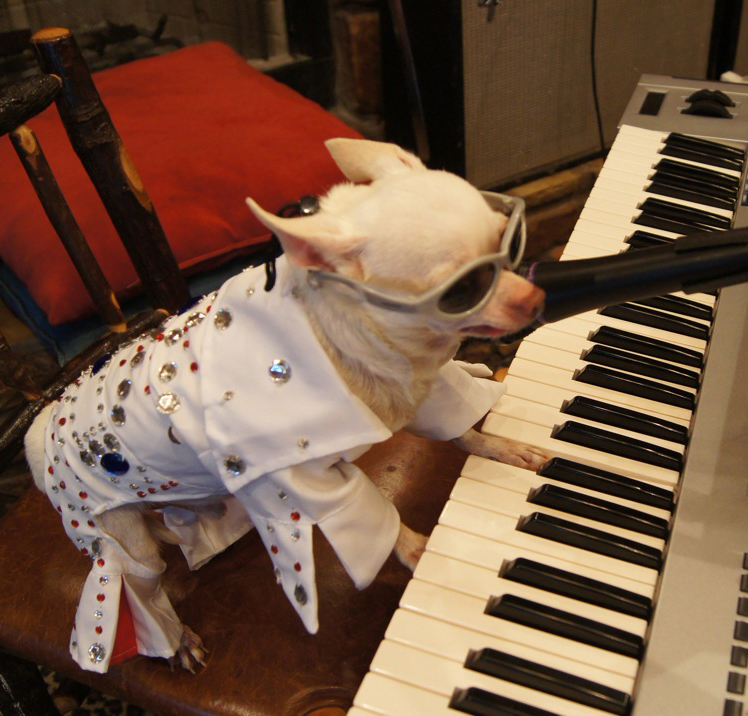
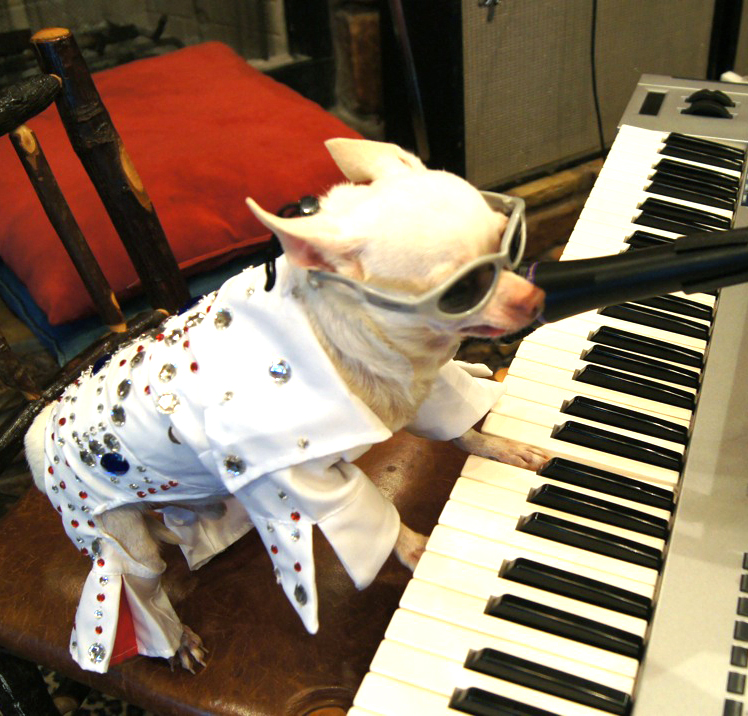
To adjust the coloring of this image, I used the “levels” tool in the adjustment panel. It shows a histogram of the darkest and lightest values, and it allows you to drag the handle to make the image brighter or darker.
The levels tool also allows you to use the eyedropper to pick one color, such as the whitest color in the image, to raise the lighter levels in the rest of the image.
You can also use the RGB pull down menu to adjust certain colors, in order to make them more apparent or more dull. I adjust the red to make the pillow less of a statement piece.

 Computer Graphics: Molly Brennan