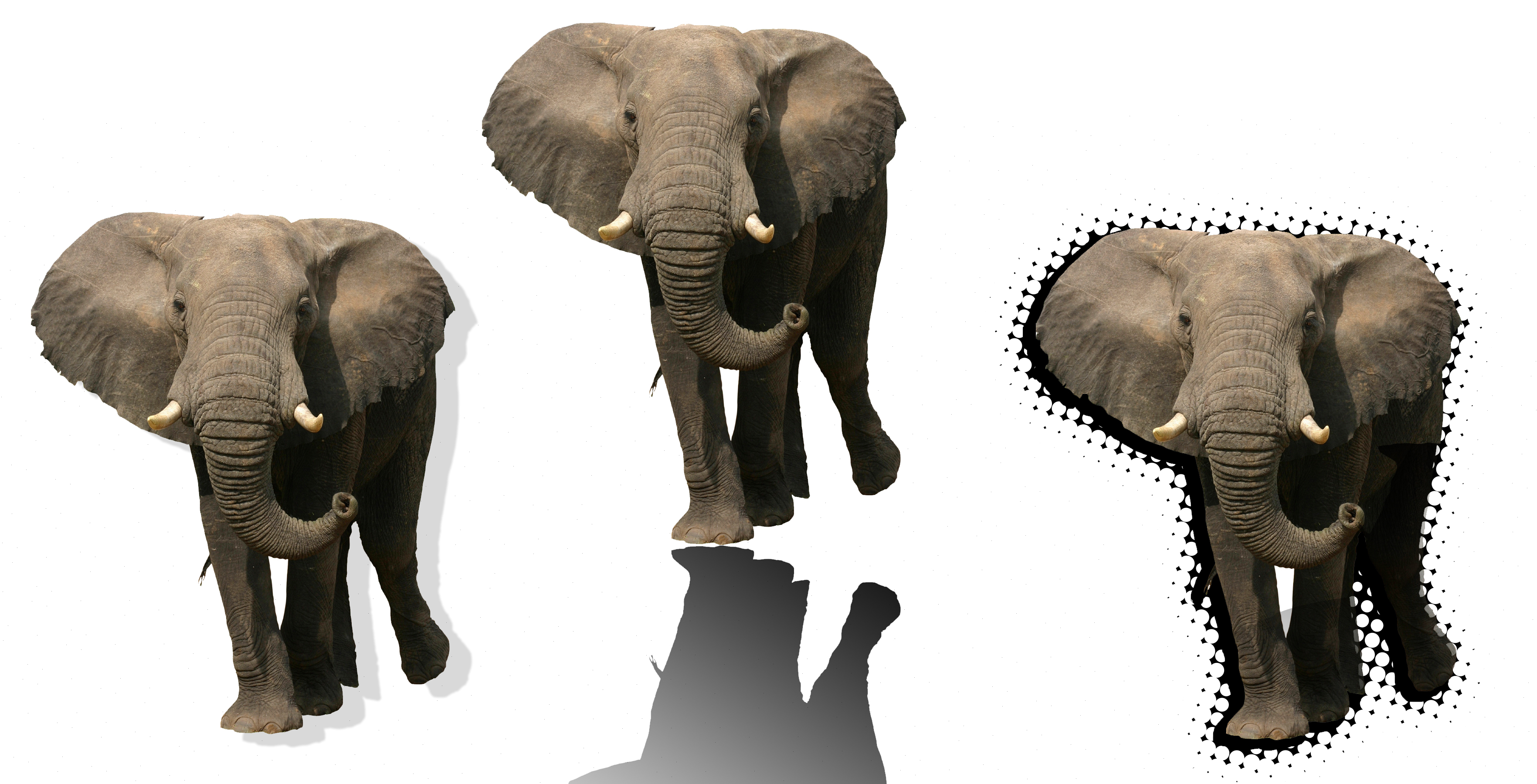
1st Elephant: Bottom of layers panel, layer style, drop shadow
2nd Elephant: New layer, black foreground color, select > load selection, fill with a black to clear gradient, free transform, drag shadow down to reflect the elephant, move layer down below elephant and link the 2 layers
3rd Elephant: New layer, black foreground colors, select > load selection, select > modify > expand 10 pixels, option delete makes the selection black, double click quick mask button, filter > pixelate >color halftone > 25 pixels, repeat this 3 times, click quick mask to get out of it, option delete, move layer below elephant and link 2 layers

 Computer Graphics: Molly Brennan