First, I made a copy of the original layer by using the command “Command-J” to jump the layer.
Then I selected Dan Prescott, number 4, with the lasso tool, created a mask by using the mask icon at the bottom of the layers panel, and cleaned up the surrounded edges with the black and white paintbrush tool.
I created several duplicates of the original image by Command-Jumping a few times, in order to play around with different background filters.
There are many filters to use including blur, brush, and dust and scratch, all of which can be viewed in the “filter gallery.” The masked image still appears above the filter and untouched by the filter. Note: make sure to have the layer selected when applying a filter!

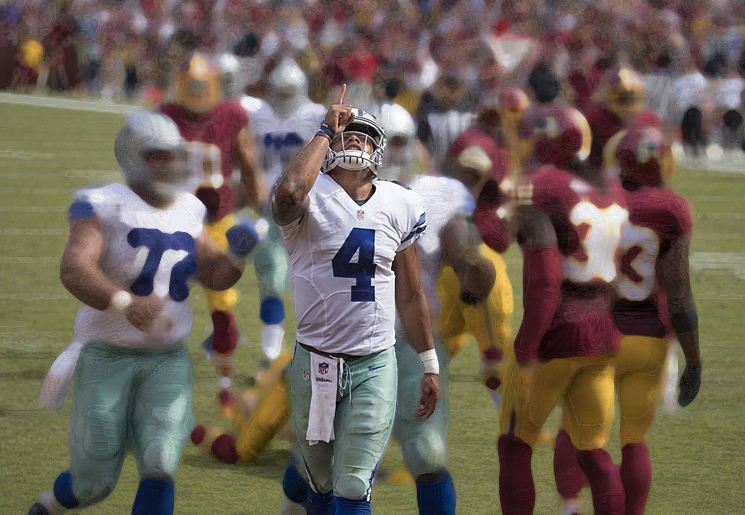
 Computer Graphics: Molly Brennan