
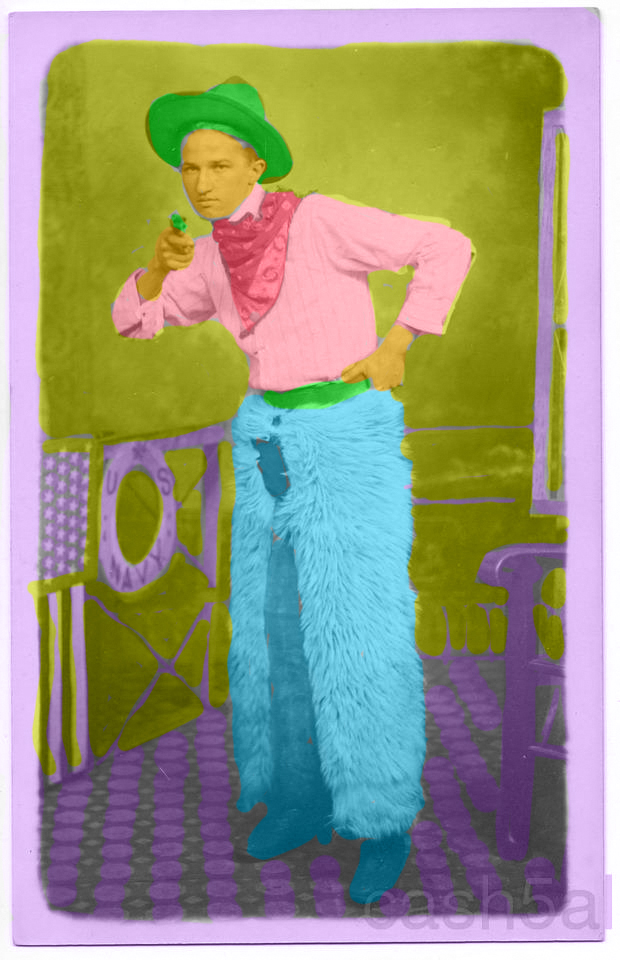
Paintbrush Tool in Photoshop
- In order to be able to pain on the layer and not have the color go directly over the image, you have to manipulate the layers tool.
- In the drop down menu where it currently says “normal,” select “color.” Now the colors will be opaque and you can still see the image of the cowboy underneath.
 Computer Graphics: Molly Brennan