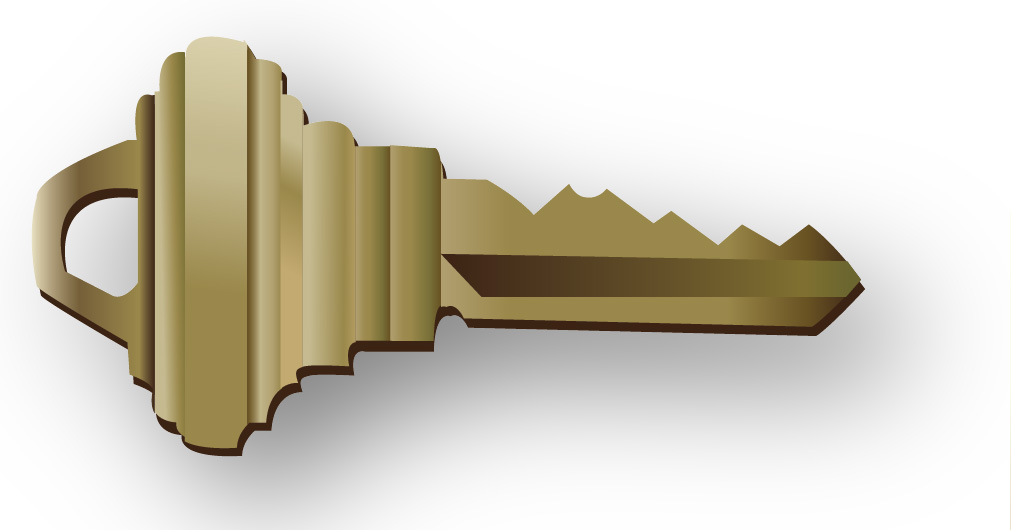
To make this key, I traced each section of the original key with the pen tool, and made sure the new key aligned perfectly. The “pathfinder” tool had to be used to cut out the hole in the top part of the key.
Each section of the key had different gradients, which I created from the swatches I made by pulling out colors from the original key.
In order to obtain the dark brown part of the key, I used the pen tool to trace the whole key and filled it with the dark brown color. Then I sent the image to the back, so it appeared to make the key “3D.”
Finally, I used the “drop shadow” tool under “effects” in the menu bar to add the shadow below the key.

 Computer Graphics: Molly Brennan