
Pen Tool in Illustrator
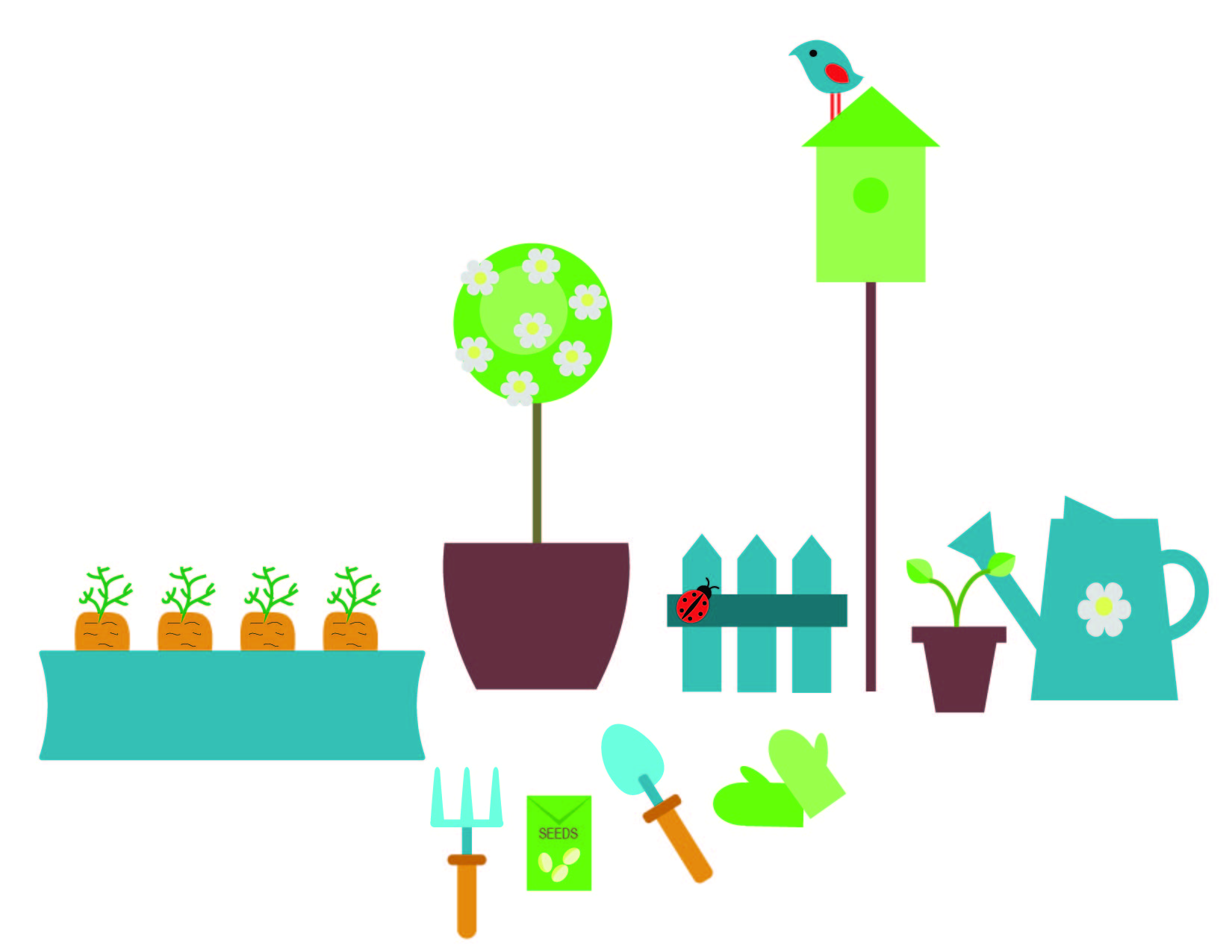
Since there are so many objects in this design, I will simply list out a few of the main tools I used to complete this garden scene.
- To create objects that look more true to form, I used to the ellipse tool, then used the Direct Selection tool to drag anchor points to manipulate the corners of the objects (carrot, shovel, garden gloves).
- The pencil tool was used to create lines (fill removed, black stroke, adjusted size of stroke) on the carrots.
- To manipulate rectangles (carrot box, watering can, pots), I used to bulge tool (under effects –> warp), and made them concave or convex.
- To make the flowers, I used the polygon tool and then added the effects of “distort and transform” and “pucker and bloat.”
- The rectangle tool was used for many of the objects, either manipulated with the Direct Selection tool to make points (fence).
- To make the bird, I started with the ellipse tool and the convert anchor point tool to make it look like an eye shape. The distort and transform “twist” effect made it into a bird shape.
- In order to make sure colors were consistent, I used the eyedropper tool to select previously used colors and fill new shaped with them.
 Computer Graphics: Molly Brennan